Claude Code and OpenCode
Inline Agents supports two CLI agents: Claude Code and OpenCode. Neither is bundled — the plugin shells out to whichever binary you already have installed.
Choosing an agent
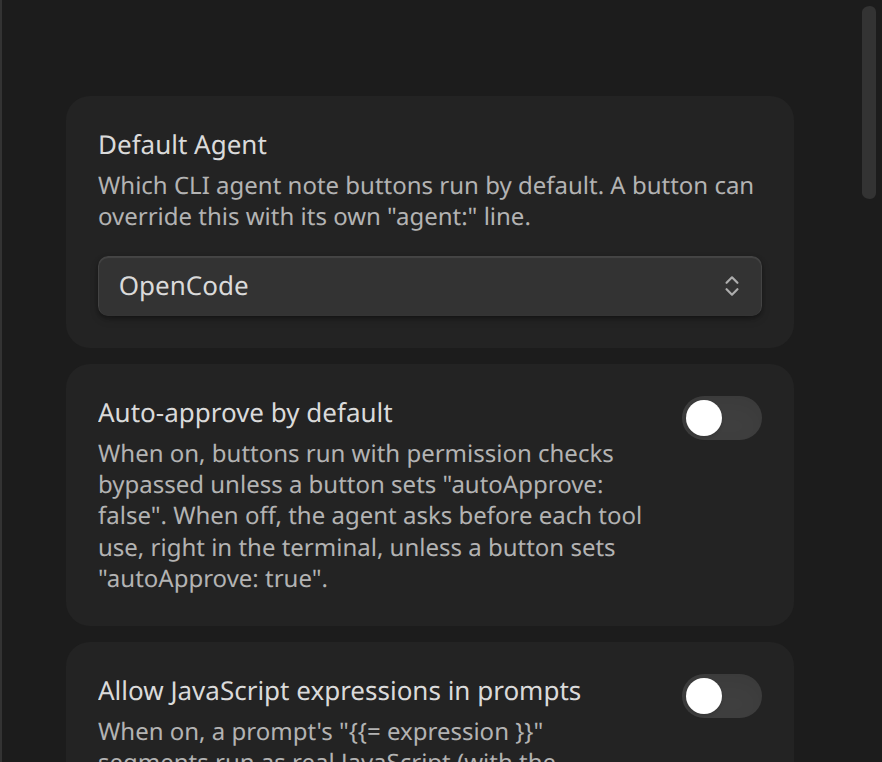
- Per button — set
agent: ClaudeCodeoragent: OpenCode(case-insensitive;claudealso works as a synonym forClaudeCode) on a code block. Anything unrecognized, including the line being omitted entirely, falls back to the plugin-wide default. - Plugin-wide — Settings → Inline Agents → Default Agent:
How the binary is located
The configured path in Settings is a preference, not a guarantee. resolveBinary() tries, in order:
- The path configured in Settings, if it exists on disk.
- A short list of known install locations for the current OS/environment (e.g.
/opt/homebrew/bin/claude,~/.local/bin/claude). - The bare command name (
claude/opencode), letting Node's ownspawn()fall back to a normalPATHlookup.
This lets the same data.json work across different machines (e.g. a real Mac and a container) without hand-editing settings every time the vault is opened somewhere else.
Connection status
Each provider's heading in Settings shows a green/red dot, refreshed automatically when Settings opens (and on demand via the ↻ button next to the provider name):
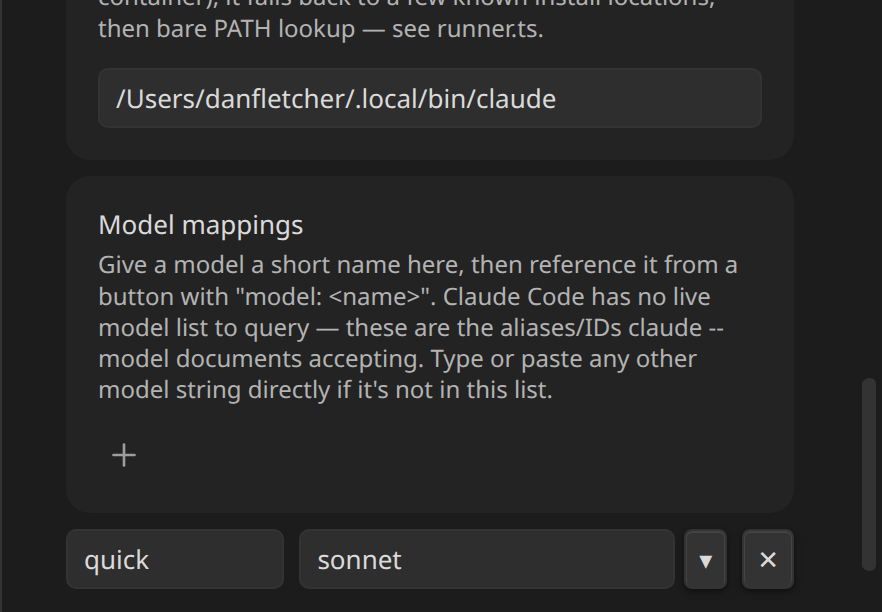
Green means the configured binary actually runs (<bin> --version exits 0); red means it doesn't (not installed, wrong path, etc.). This is a binary-resolves check, not an auth/provider-reachability check — a green dot doesn't guarantee the CLI is logged in, and a red OpenCode dot with an unreachable Ollama provider still shows as OpenCode itself being fine. Run a button to see the actual provider error.
autoApprove and running as root
autoApprove: true (or the plugin-wide Auto-approve by default toggle) maps to claude --dangerously-skip-permissions / opencode run --auto. Claude Code's CLI itself refuses --dangerously-skip-permissions when the process is running as root — if you're running Obsidian inside a container where it happens to run as root, auto-approved Claude Code buttons will fail with that specific error. This is a Claude Code safety restriction, not something the plugin can route around; OpenCode's --auto has no equivalent restriction.
Next
See Model Mappings for how to pin a button to a specific model.